If you live rurally but work in the city, your home spends a lot of hours empty—lights off, HVAC cycling, appliances drawing phantom loads. A solar system paired with smart home automation changes that equation entirely. Instead of power just flowing in and out without intention, your home starts making decisions: charging what needs charging while the sun is high, backing off when the battery dips, and keeping critical loads running when the grid goes down.
This guide walks through how to integrate solar energy with smart home systems—from understanding your energy budget to building automations that protect your battery and keep your household comfortable, whether you’re home or 200 miles away.
Why Solar + Smart Home Integration Matters for Remote & Off-Grid Living
A solar system without automation is a bit like a well-stocked kitchen with no cook—the ingredients are there, but nothing useful is happening on its own. For homeowners who commute to work or spend days away from a rural property, the “set it and forget it” value of smart home integration is enormous.
Automations mean your dishwasher runs at noon when solar production peaks, your HVAC pre-cools the house before you get home, and your EV charges during a cloud-free afternoon instead of draining the battery pack at midnight. These aren’t conveniences—they’re meaningful gains in battery runtime, energy efficiency, and system resilience.
There’s also a critical distinction worth making early: monitoring and control are not the same thing. Monitoring tells you what’s happening—production, consumption, battery state. Control lets you act on that data automatically, turning loads on or off based on conditions. For off-grid and remote homes, control is where the real value lives.
The 3 Goals: Comfort, Resilience & Cost Control
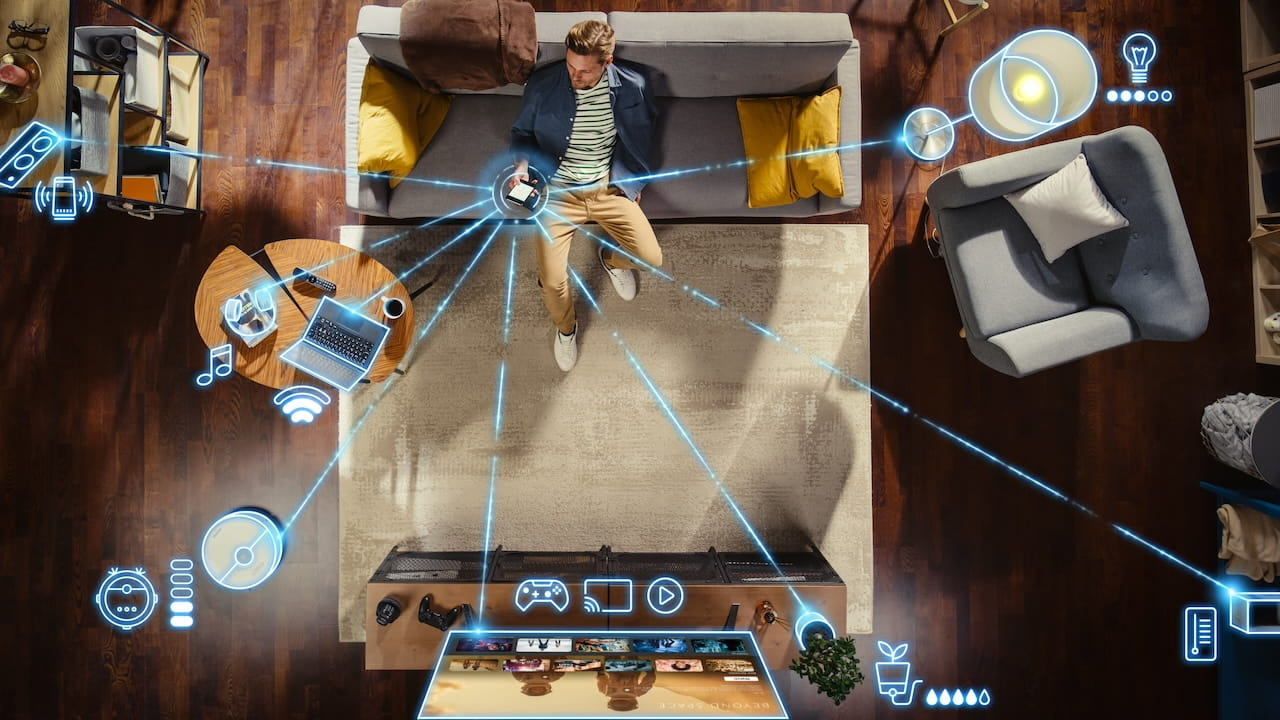
Most homeowners integrating solar with automation are chasing three outcomes:
- Comfort: Smart thermostats and HVAC scheduling mean your home is at the right temperature when you arrive, without running all day while you’re gone.
- Resilience: Automations that protect battery state of charge (SOC) during cloudy stretches or outages keep critical loads running when it matters most.
- Cost control: Load shifting—running high-draw appliances during solar peak hours rather than pulling from the grid at peak rates—reduces utility bills for grid-tied homes and extends battery life for off-grid ones.
Your Solar System as an “Energy Budget” (How Smart Homes Should Think About Power)
One of the most useful mental shifts for solar homeowners is treating power like a daily budget rather than an unlimited utility. Solar production varies with weather, season, and time of day. Battery capacity is finite. And not every load in your home is equally important.
Smart home automation only works well when you understand your energy inputs and outputs. That means knowing roughly how much your system produces on a typical day, how much your household consumes, and which loads you can flex.
This is especially important for off-grid and remote homes where there’s no grid fallback. If your battery depletes overnight because the water heater ran at 11 PM instead of 1 PM, you might wake up without well pump pressure. Understanding your
energy budget—and whether you need battery storage at all—is the foundation everything else is built on.
Create Load Tiers
Not all loads deserve the same priority. Categorizing your home’s devices into tiers makes automation logic simple and reliable:
- Critical: Must stay on at all times. Well pump, refrigerator, medical devices, internet router, essential lighting.
- Important: Need to run daily but timing is flexible. Water heater, HVAC, chest freezer.
- Flexible: Run when power is abundant; delay when it’s scarce. EV charger, dishwasher, washer/dryer, hot tub.
| Device | Watts | Daily Hours | Priority Tier | Automation Rule |
| Well pump | 750 W | 2–4 hrs | Critical | Always on; alert if usage spikes |
| Refrigerator | 150 W | 24 hrs | Critical | Always on |
| Water heater | 4,500 W | 1–2 hrs | Important | Run 10am–2pm during solar peak |
| HVAC | 2,000–5,000 W | 4–8 hrs | Important | Pre-cool/heat before evening |
| EV charger | 7,200 W | 2–6 hrs | Flexible | Charge only when SOC > 70% |
| Dishwasher | 1,200 W | 1 hr | Flexible | Run mid-day during surplus |
| Washer/dryer | 2,000 W | 1–2 hrs | Flexible | Solar surplus or scheduled |

Components You’ll Need to Connect Solar to a Smart Home
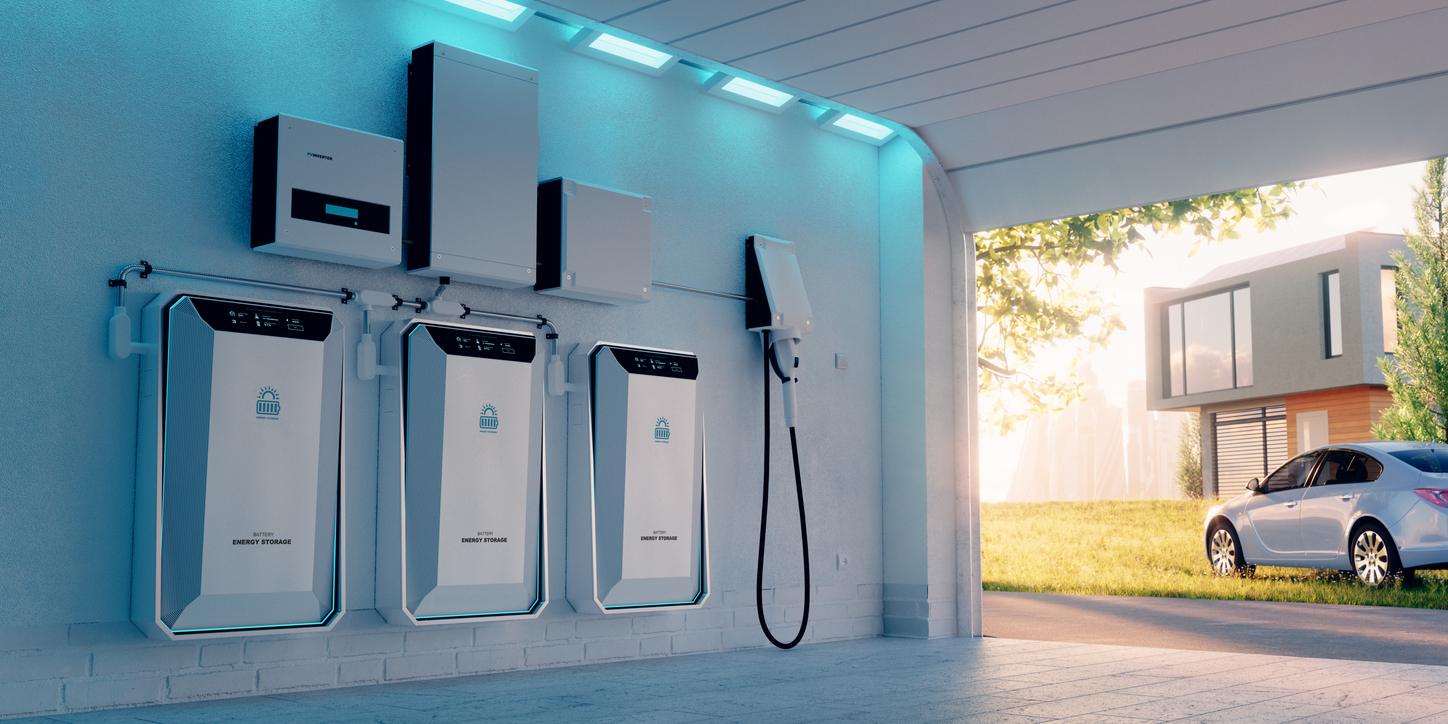
A solar-integrated smart home doesn’t require one specific brand or platform—but it does require components that can talk to each other. Here’s what the ecosystem typically includes:
- Solar panels – The generation source. Solar PV system output varies throughout the day and by season.
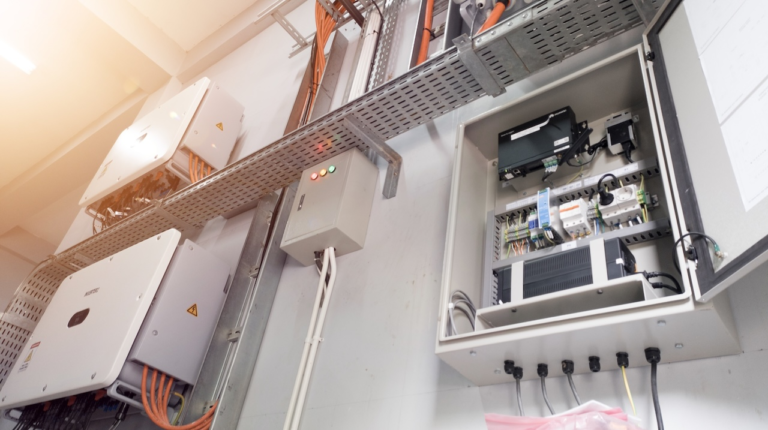
- Inverter – Converts DC power from panels to AC for home use. String inverters and microinverters handle monitoring differently.
- Battery storage – Stores excess production for evenings, cloudy days, and outages.
- Smart energy monitor or smart panel – Tracks real-time consumption and production at the circuit level.
- Smart thermostat – Automates HVAC based on schedules, occupancy, or solar conditions.
- Smart plugs – Add on/off control and usage monitoring to individual appliances.
- Controllable breakers or load controllers – Circuit-level control for high-draw loads.
- Sensors – Door/window, leak, motion, and occupancy sensors feed automation logic.
Inverter + Battery Communication
Your inverter and battery system are the heart of solar-smart home integration. The useful data they can expose includes: current solar production (watts), whole-home consumption, battery state of charge (%), grid connection status, and outage/backup mode signals.
This data is what makes condition-based automation possible. An automation that says “turn on the water heater when solar production exceeds 3kW” requires your inverter to share that production number with your smart home platform in real time.
Before purchasing, verify that your inverter/battery combo offers a local API, MQTT feed, or a direct integration with platforms like Home Assistant, Ecobee, or others you plan to use. Cloud-dependent integrations can fail when rural internet is spotty—a real problem for remote properties.
Smart Panels & Load Control
A standard energy monitor shows you data. A smart panel—or load control system—lets you act on it. Products in this category can turn individual circuits on or off via software, which means your automations can actually cut power to a water heater, delay an EV charger, or disable a hot tub based on battery SOC.
For off-grid homeowners especially, this capability—rather than just seeing the data—is what delivers real resilience. It’s the difference between watching the battery drain and actually preventing it.
The Best Automations for Solar-Optimized Homes
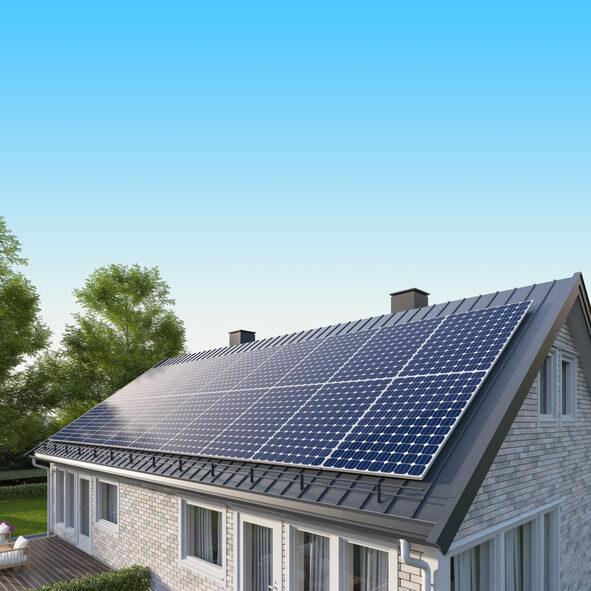
The following automations deliver the most practical value for solar homeowners, particularly those managing a rural home with a remote or commuter lifestyle.
Solar Surplus Automations (Use Power When It’s Abundant)
These automations shift flexible loads into the middle of the day, when solar production is highest and battery storage is filling up:
- Run the dishwasher and laundry mid-day, triggered when production exceeds a set threshold (e.g., 2.5–3 kW).
- Heat water during peak production—a 4,500W water heater running at noon is essentially free on a sunny day.
- Pre-cool or pre-heat your home in the early afternoon so the HVAC doesn’t need to work hard in the evening when solar production drops and you arrive home.
These automations maximize solar self-consumption—meaning more of the energy your panels produce gets used before it’s exported or lost.
Battery Protection Automations (Preserve Runtime at Night & During Outages)
Once solar production drops and your household is drawing from the battery, automation can extend runtime significantly:
- Turn off nonessential circuits (pool pump, hot tub, EV charger) when SOC drops below 60%.
- Dim lighting and reduce HVAC setpoints by a few degrees when SOC drops below 40%.
- Delay or reduce EV charging to low-current trickle mode when battery is below 25%.
A staged load shedding approach—rather than a single cutoff—gives you comfortable, gradual adjustments instead of an abrupt shutdown.
Battery SOC vs. Automated Load Shedding Stages:
| Stage | SOC Threshold | Example Automated Actions |
| Stage 1 | 60% | Disable EV charger, pause hot tub, reduce outdoor lighting |
| Stage 2 | 40% | Reduce HVAC setpoints by 3–5°F, dim interior lighting to 70%, pause non-critical smart plugs |
| Stage 3 | 25% | HVAC minimal mode, lights to 40%, alert sent to phone, generator start signal (if applicable) |
Away Mode for Rural Homes
For homes that sit empty during the work week, geo-fencing and schedule-based automations can dramatically reduce idle consumption:
- When everyone leaves (geo-fence trigger), switch to a minimal standby profile: HVAC holds at 58°F in winter / 82°F in summer, lighting off, nonessential circuits disabled.
- Leak detection sensors trigger well pump shutoff automatically—critical when you’re not home to catch a burst pipe.
- Smart alerts fire when usage spikes unexpectedly (e.g., a heating element stuck on, a phantom load doubling overnight).
- Pre-arrival automation triggers on the way home: HVAC activates 45 minutes before arrival, porch lights turn on at sunset.
Example Setups (Pick Your Scenario)
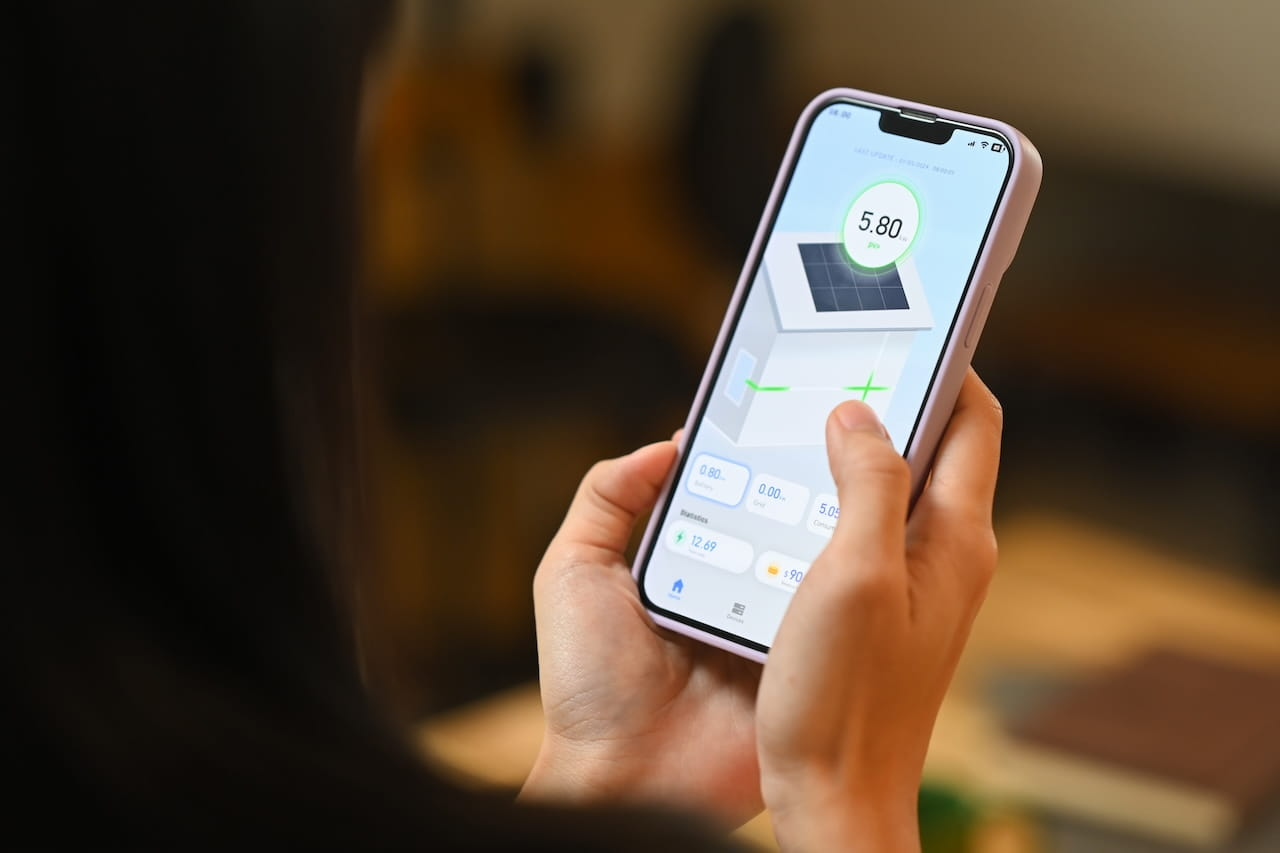
Here are four reference architectures for common solar + smart home configurations. Find the one closest to your situation and adapt from there.
Scenario A — Remote Home, Frequent Travel
Priority: Maximum monitoring and failsafe automation. You may not be home for days at a time.
- Energy monitor or smart panel with real-time remote access and push alerts
- Leak sensors at water heater, under sinks, near well pressure tank
- Staged load shedding automations tied to battery SOC
- Cameras with motion alerts for security and unexpected activity
- Automatic well pump shutoff if leak detected or pressure anomaly
This configuration leans heavily on outage resilience and remote monitoring. You want confidence the home is protecting itself whether you’re in the next county or across the country.
Scenario B — Hybrid: Grid-Tied with Battery Backup
Priority: Optimize time-of-use (TOU) rates and prepare for outages.
- Automate heavy loads to run during solar peak, avoiding on-peak utility rates
- Battery holds reserve capacity for evening outage protection
- Smart thermostat adjusts based on grid vs. solar vs. battery mode
- Load shifting rules prevent battery drain before peak rate periods end
Understanding the ROI of your battery investment helps you set the right reserve thresholds here—keeping enough in the bank for outages while still shifting loads intelligently.
Scenario C — Fully Off-Grid Home
Priority: Battery-first automation. Every watt matters.
- Critical load panel separation: only essential circuits on battery backup
- Strict SOC thresholds with three-stage load shedding
- Generator integration: auto-start when battery hits 20%, auto-stop when charged to 80%
- Weather forecast integration: if tomorrow looks cloudy, conserve more tonight
Off-grid living has real economic trade-offs and cost considerations. Automation doesn’t change those economics, but it does ensure you’re operating within your system’s true capacity every day.
Scenario D — Work-From-Home + EV Charger
Priority: Smart EV charging and HVAC optimization during work hours.
- EV charging scheduled during solar production window (typically 10am–2pm)
- Charging suspended automatically if battery SOC drops below 50%
- HVAC on occupancy-aware schedule—maintains comfortable temp during work hours, reduces at lunch/breaks
- Smart plugs on office equipment enable usage monitoring and scheduled off times
Choosing Platforms and Avoiding Compatibility Headaches
The smart home industry has a “works with” problem. A badge on a box does not guarantee deep, reliable integration. Before building your automation stack, validate that your inverter/battery system can actually share real-time data with your chosen platform—not just log to a separate app.
For rural homes especially, local control matters more than it does in the suburbs. If your smart home automations depend on a cloud server to function, a bad internet day means your automations stop working—exactly when you might need them most. Platforms like Home Assistant offer robust local-first automation that keeps running regardless of internet status.
- Prefer local APIs and MQTT feeds over cloud-only integrations
- Test “outage mode” behavior: what happens to automations when the internet drops?
- Segment your smart home devices onto a separate network VLAN for security
- Use strong, unique passwords and two-factor authentication on all energy management portals
- Keep inverter and battery firmware updated—vendors frequently patch security vulnerabilities
Some of the most common solar installation mistakes involve choosing components that don’t integrate well with each other. Doing this homework before purchase saves significant headaches later.
Common Mistakes and How to Avoid Them
- Automating too much too soon – Building complex rules before you understand your baseline energy patterns leads to frustrating false triggers and wasted effort. Monitor first, automate second.
- Ignoring battery constraints – Automations that run flexible loads without checking battery SOC can deplete your storage before critical evening loads need it. Always tie flexible load automations to a SOC condition.
- Forgetting winter production differences – A system tuned for July will behave very differently in December. Set seasonal profiles for your automations or use dynamic thresholds based on forecast production.
Protect Your Solar Investment with Summit Solar and Battery
DIY smart home configuration is reasonable for most automations. But some tasks require a licensed electrician or solar professional:
- Any physical work on your main panel, subpanel, or battery wiring
- Installing controllable breakers or a smart panel
- Modifying critical load configurations or battery settings
- Generator interlock or automatic transfer switch installation
Solar warranties can last 25 years or more—but only if your system is installed, documented, and maintained correctly from day one. Summit Solar and Battery handles the details that protect your coverage: proper permitting, OEM-approved installation, complete commissioning documentation, and registered equipment warranties.
Whether you already have a system and want to confirm your warranty is still intact, or you’re considering a new installation and want to make sure everything is done right the first time, our team can help.
Schedule a free warranty review or system consultation with Summit Solar and Battery today.

FAQs About Solar Smart Home Integrations
Can I integrate solar with a smart home if I don’t have a battery?
Yes—and we hear this question often. Many clients come to us after investing in solar panels but before adding storage, wondering whether automation is worth it without a battery. It absolutely is. Your best gains in a battery-free setup come from solar-surplus automations: scheduling the dishwasher, water heater, EV chargers, and other high-draw appliances to run during peak production hours. You’re essentially using the grid as your “storage” and shifting loads to match when your panels are producing. That said, adding a battery unlocks outage resilience and makes SOC-based automations possible, which is where the real sophistication lives.
What’s the difference between solar monitoring and solar control?
Monitoring shows you what’s happening—production, consumption, battery state of charge, and grid connection status—in real time or historically. Control lets you act on that data automatically: turning loads on or off, adjusting HVAC setpoints, delaying EV charging, or triggering alerts based on what the system is doing. We often talk to homeowners who have excellent monitoring dashboards but have never built a single automation off that data. The dashboard is useful; the control is transformative.
What automations save the most energy in solar homes?
Based on the setups we’ve helped clients build over the years, the highest-impact automations are consistently: smart thermostat scheduling tied to occupancy and solar production, water heater timing shifted to the solar peak window, EV charging scheduled to avoid evening battery draw, and staged load shedding tied to battery SOC. We’ve also seen real savings from geo-fencing automations that drop the home into a minimal standby mode when everyone leaves—especially valuable for the rural-home/urban-work crowd who are away for stretches of time. The exact savings depend heavily on your load profile and system size, but these four categories almost always deliver the best return.
What are “critical loads,” and how do I choose them?
Critical loads are the circuits you must keep powered regardless of battery state, grid outage, or solar conditions. The classic examples: refrigerator, well pump, medical devices like CPAP machines or home oxygen, and your internet router (which enables remote monitoring and control). We ask clients to think about it this way—if you woke up at 3 AM and one circuit was off, which ones would be a real problem? Those are your critical loads. Everything else is a candidate for automation-based load shedding. Once you’ve identified them, those circuits belong on a dedicated critical load panel so they’re protected by design, not just by automation.
Can smart home automations help during power outages?
Yes—and this is one of the most valuable use cases we help clients set up. When the grid goes down, your system switches to battery power, and without automation, every load in your home continues drawing exactly as it did before. Automations can respond to the outage signal immediately: disabling nonessential circuits, reducing HVAC demand, suspending EV charging, and alerting you by phone. This extends battery runtime from hours to potentially days, depending on your system size and load profile. We’ve had clients ride out 36–48 hour outages comfortably because their automation stack was doing the right things from the moment the grid dropped.